Gunaraj Poojary
Resume
← Back to Work
Gameplay Mechanic · Released

Interaction System

A gameplay mechanic

Unity 6Windows2025-09 — 2025-09
Credits

Team

Gunaraj Poojary · Gameplay Programmer
Interaction System cover
Overview

What This Project Is

A robust and extensible interaction system for third-person Unity games, designed to manage interactions with objects like chests, doors, NPCs, and in-world UI prompts. Built with modular architecture using ScriptableObjects for event-driven communication and clean separation between gameplay logic, input, and UI systems.

Highlights

Key Features

  • Third-person camera system with smooth player-controlled rotation using Cinemachine.
  • Modular interaction framework using IInteractable interface and ScriptableObject event channels.
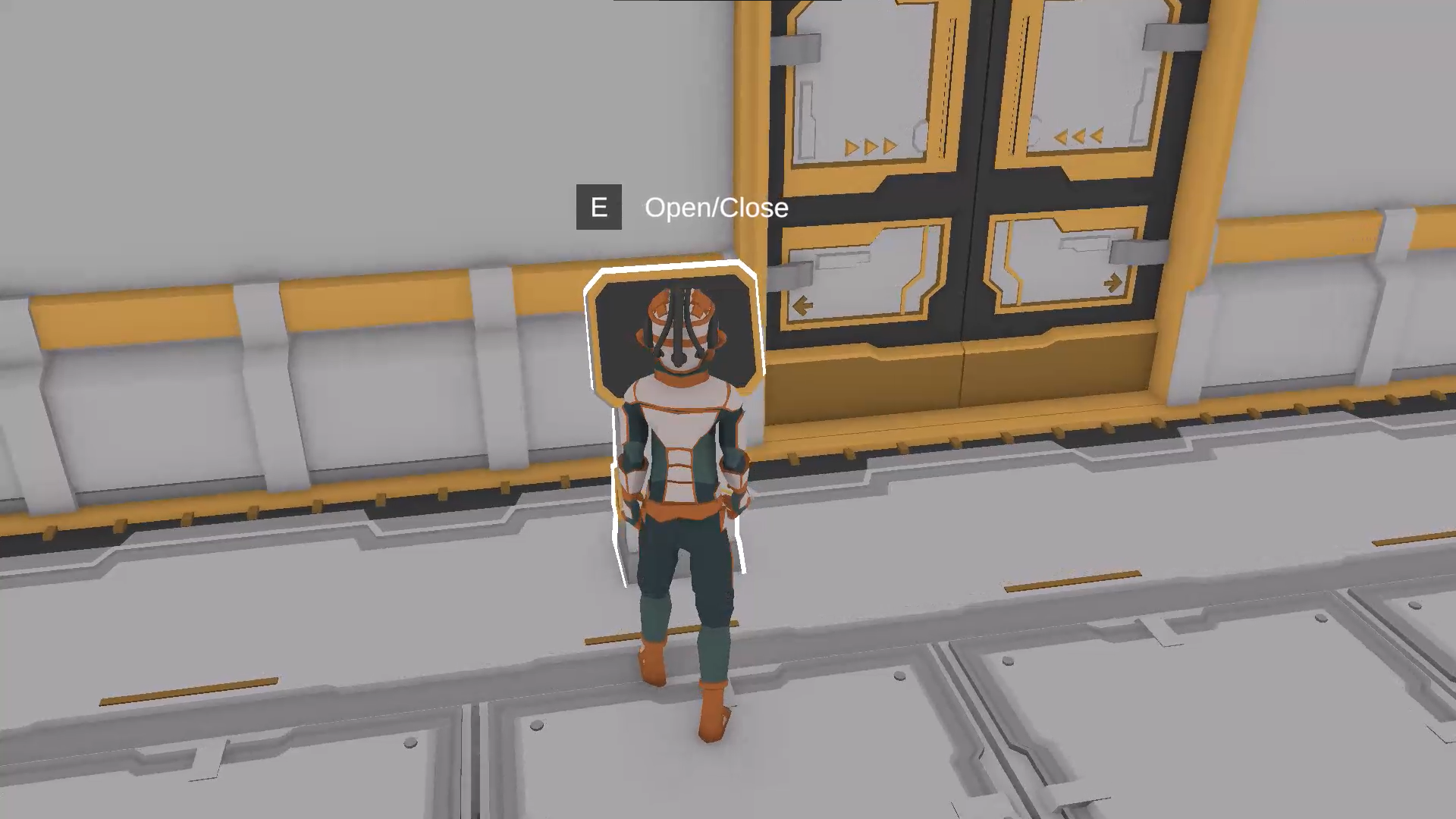
  • Visual feedback system with outline highlights and floating UI prompts.
  • Event-driven architecture ensuring decoupled communication between systems.
  • Example interactable objects including chests, doors, computers, and NPCs.
  • Input handling powered by Unity's New Input System with flexible device bindings.
  • Billboard UI system that maintains camera-facing orientation.
  • Animation integration with DOTween for smooth object interactions.
Details

Technology

Technology

Unity 6C#ScriptableObjectsState MachinesDOTween

Architecture

SOLIDObserverObject Pooling
My Role

Contributions

Gameplay

  • Implemented core mechanics of the game
Portfolio

Code Samples

Core Gameplay Mechanics

Character interaction system

using UnityEngine;
using DG.Tweening;

/// <summary>
/// Represents a Chest interactable object.
/// </summary>
[RequireComponent(typeof(Interactable))]
public class Chest : MonoBehaviour
{
    [SerializeField] private Transform _chestTop;
    [SerializeField] private Vector3 _openAngle;
    [SerializeField] private float _openTweenDuration = 0.5f;

    private const int DEFAULTLAYERINDEX = 0;
    private Interactable _interactable;

    private void Awake() => _interactable = GetComponent<Interactable>();

    private void OnEnable() => _interactable.OnInteract += Open;
    private void OnDisable() => _interactable.OnInteract -= Open;

    public void Open()
    {
        _chestTop.DOLocalRotate(_openAngle, _openTweenDuration);
        gameObject.layer = DEFAULTLAYERINDEX;
    }
}